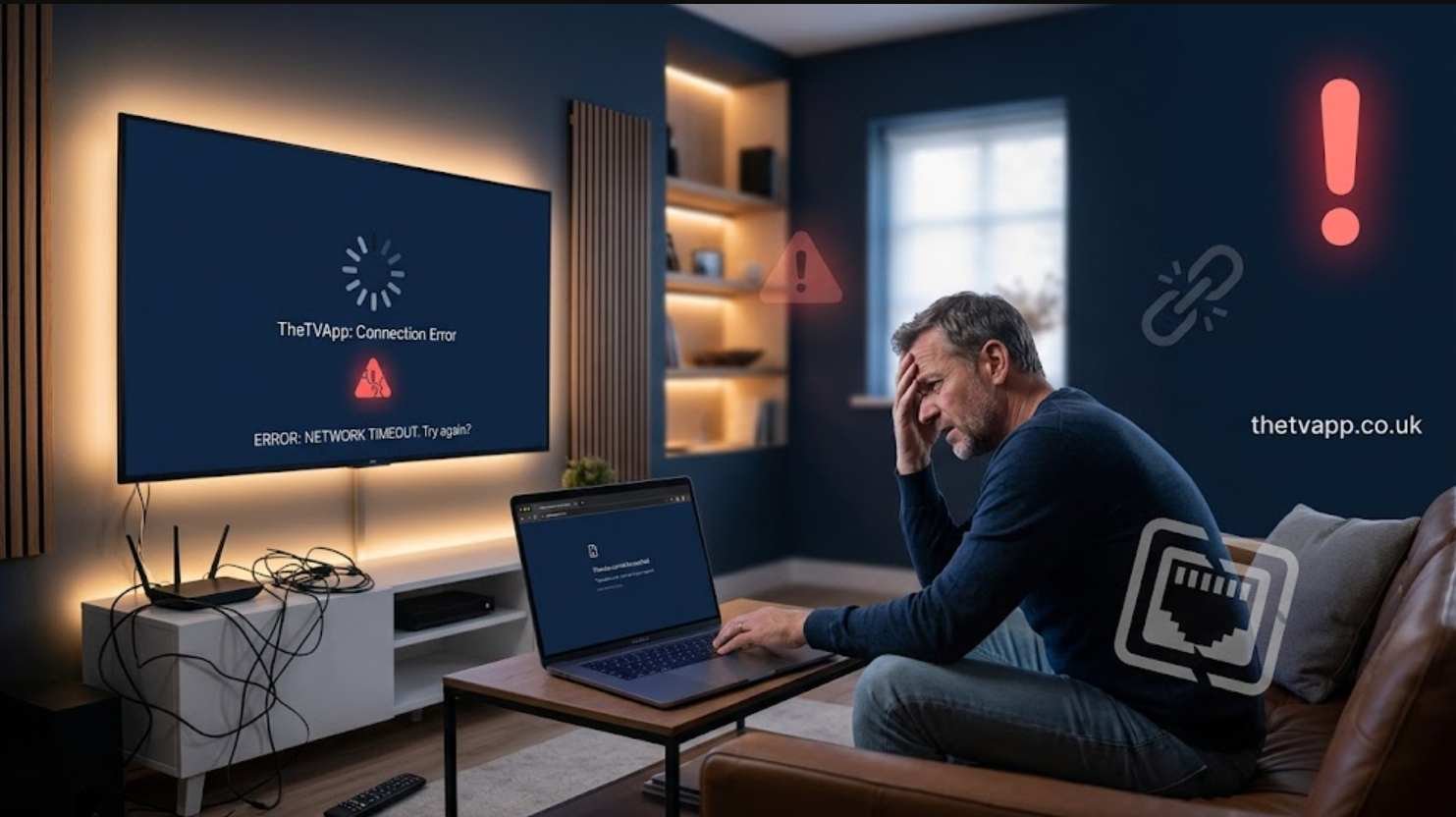
If you are searching for “Why Is TheTVApp Not Working?”, you are not alone. Many users experience problems when trying to access TheTVApp, including website errors, unavailable streams, loading issues, or broken playback. These problems can happen because of server outages, domain changes, browser issues, or problems with unofficial versions such as Kodi addons.
TheTVApp has become known as a platform offering access to live TV streams, but like many third-party streaming services, it has faced reliability issues over time. The original domain and related services have experienced interruptions, making the platform inconsistent for many viewers.
Before assuming the problem is with your device, it is important to understand the most common reasons why TheTVApp may stop working and what troubleshooting steps you can try.
Common Reasons Why TheTVApp Is Not Working
There are several possible causes behind TheTVApp connection problems. Some issues are temporary, while others may indicate that the service itself is unavailable.
TheTVApp Website May Be Down or Offline
One of the biggest reasons users cannot access TheTVApp is that the website domain may be unavailable. Third-party streaming websites often experience downtime because of server problems, domain changes, or external enforcement actions.
If the main website is offline, there is usually nothing wrong with your internet connection or device. The issue is related to the service itself.
Users who want to understand more about the platform can read this detailed overview: TheTVApp: What You Need to Know Before Using It.
Server Overload During Popular Events
Live streaming platforms often experience heavy traffic during major sports events, popular TV broadcasts, or high-demand viewing periods.
When thousands of users try accessing streams at the same time, servers may become overloaded. This can result in:
- Slow loading times
- Buffering problems
- Black screens
- Streams failing to start
- Temporary connection errors
If TheTVApp works normally at other times but fails during major events, server overload may be the reason.
Domain Changes and Unstable Mirror Websites
Many users search for alternative TheTVApp websites when the original domain stops working. However, mirror websites are often unreliable and may disappear without warning.
A changing domain structure can also affect saved bookmarks, Kodi integrations, and third-party applications that depend on the original source.
For a complete explanation about availability issues, you can check: Is TheTVApp Still Available?.
Kodi Addon Version Is Not Updating
Some users access TheTVApp through unofficial Kodi addons. These addons depend on external sources and may stop working when the website changes its backend or becomes unavailable.
Common Kodi addon problems include:
- Channels not loading
- Missing categories
- Playback errors
- Connection failures
Updating the addon or checking whether the source service is active can help identify the problem.
Browser Cache and Cookie Problems
Sometimes TheTVApp may partially load but fail to play videos because of stored browser data.
Old cookies, cached files, or browser extensions can interfere with streaming pages.
Try these basic solutions:
- Clear browser cache and cookies
- Open the website in private/incognito mode
- Try another browser
- Disable unnecessary extensions temporarily
- Restart your device
These steps can fix local browser-related problems.
Ad Blockers Can Affect Video Playback
Some streaming websites rely heavily on scripts and embedded players. Certain ad blockers or privacy extensions may accidentally block important elements required for video playback.
If the website opens but videos do not start, temporarily disabling your ad blocker may help identify whether it is causing the issue.
How To Troubleshoot TheTVApp Not Working Issues
Before assuming the service is permanently unavailable, try these troubleshooting methods.
Check Your Internet Connection
A weak or unstable internet connection can create buffering and playback problems. Test other websites or streaming services to confirm whether the issue is limited to TheTVApp.
Restart Your Browser or Device
Temporary software glitches can prevent streaming websites from working correctly. Closing your browser completely or restarting your device may refresh the connection.
Try Another Network
Sometimes network restrictions or ISP-level blocking can affect access. Testing another internet connection can help determine whether the issue is related to your current network.
Check Current Service Status
If multiple users are reporting problems, the issue is likely connected to the platform rather than your device.
You can also explore recent updates through guides such as Is TheTVApp Working Today? to understand whether the service is experiencing wider outages.
Is TheTVApp Permanently Down?
The answer depends on the current status of the service. TheTVApp has faced repeated interruptions, and users may find that some domains or versions stop working without notice.
Because third-party streaming platforms can change frequently, availability is not always guaranteed. Some users may still find access through working versions, while others may experience complete outages.
For more information about how the platform works and what users should know, visit TheTVApp Features You Should Know.
Is There Anything You Can Do If TheTVApp Stops Working?
If TheTVApp is unavailable, your options depend on the cause of the problem. Browser fixes may solve local issues, but website shutdowns or server problems require waiting for the service provider to restore access.
Users looking for a better understanding of setup and usage can also check this beginner-friendly resource: TheTVApp Guide for New Users.
Final Thoughts
If you are wondering “Why Is TheTVApp Not Working?”, the most common reasons include website downtime, server overload, unstable domains, Kodi addon problems, browser issues, or blocked scripts. Some problems can be fixed with simple troubleshooting steps, while others are caused by issues outside the user’s control.
Since third-party streaming services can change frequently, users should always check the latest availability updates before spending time troubleshooting their device. Understanding the possible causes makes it easier to identify whether the problem is temporary or related to the platform itself.
For a complete look at TheTVApp and related information, you can also explore TheTVApp TV and other updated guides available on the website.